
Download Mobile AMR Converter – audio converter, AMR to MP3, WAV to AMR, mobile audio format, audio file conversion, free audio tool
Overview
Mobile AMR Converter is a lightweight audio conversion utility designed to streamline the process of transforming audio files between AMR, MP3, and WAV formats. This tool serves as a practical solution for users who frequently transfer audio between mobile devices and personal computers, addressing the common compatibility challenges posed by proprietary or limited-format audio files. The application is particularly useful for individuals managing voice memos, call recordings, or mobile music files that require format adaptation for broader device support.
Target users include both casual users and professionals who work with audio files across different platforms. Its simple design makes it accessible to individuals with minimal technical knowledge, while still offering enough functionality for routine audio management tasks. The developer, Joe C. Jones, has focused on creating a no-frills, efficient tool that prioritizes usability over complex features. Although the developer did not provide additional technical details, the app’s purpose is clear: to enable seamless audio format transitions without requiring external software or advanced expertise.
Within the broader audio utility ecosystem, Mobile AMR Converter fills a niche role by supporting mobile-specific formats like AMR, which are commonly used in voice recordings on older mobile devices. Its ability to convert between widely used formats such as MP3 and WAV ensures compatibility across modern systems. The app’s relevance persists despite its release in 2013, as the need for format conversion remains a consistent challenge in digital audio workflows.
Key Features & Functionality
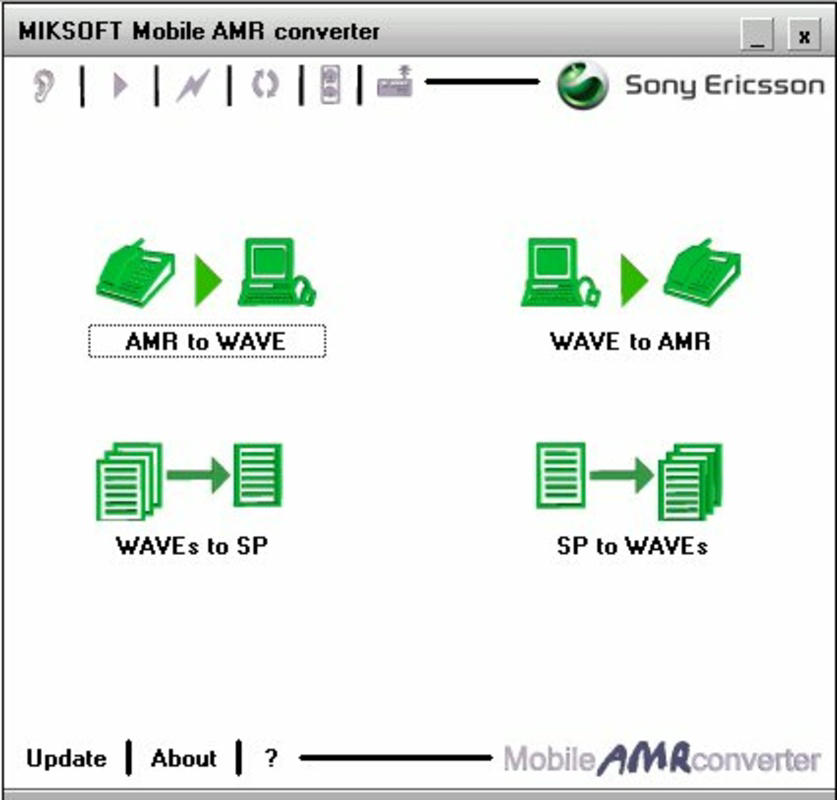
- Multi-Format Conversion: Supports conversion between AMR, MP3, WAV, and SP formats, enabling users to adapt audio files for different devices and applications.
- Simple Interface: Features a clean, intuitive layout that requires no technical training, allowing users to convert files with minimal effort.
- Effortless File Transfer: Designed to simplify the transfer of audio between mobile devices and PCs by ensuring format compatibility through conversion.
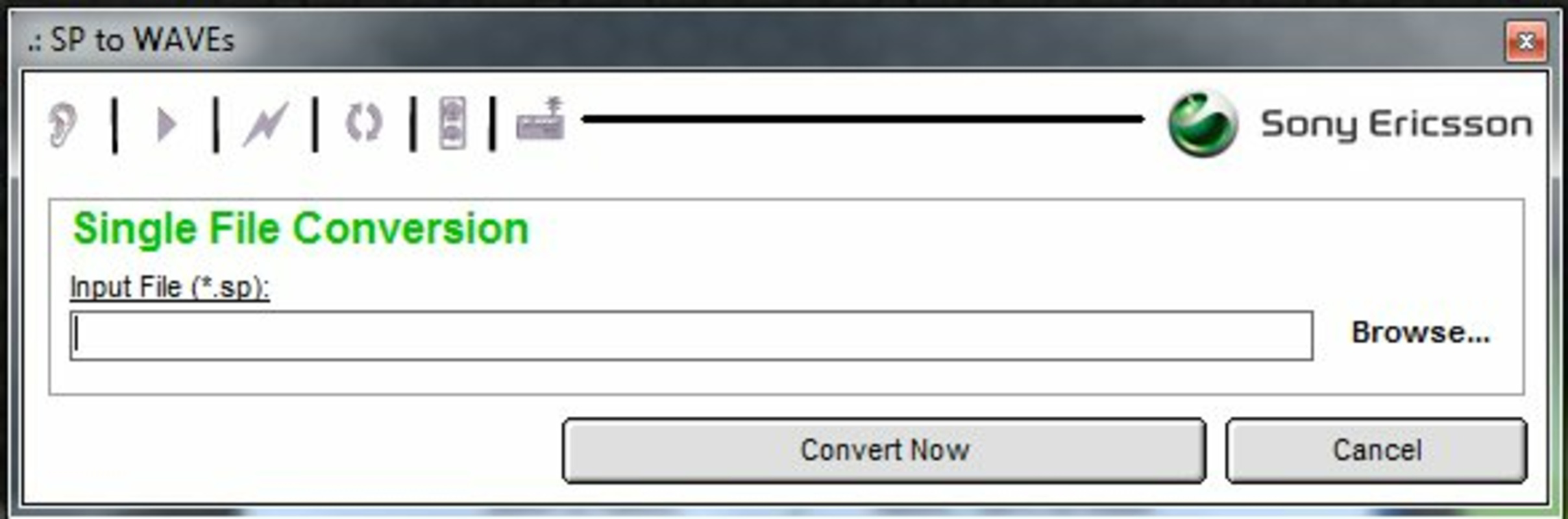
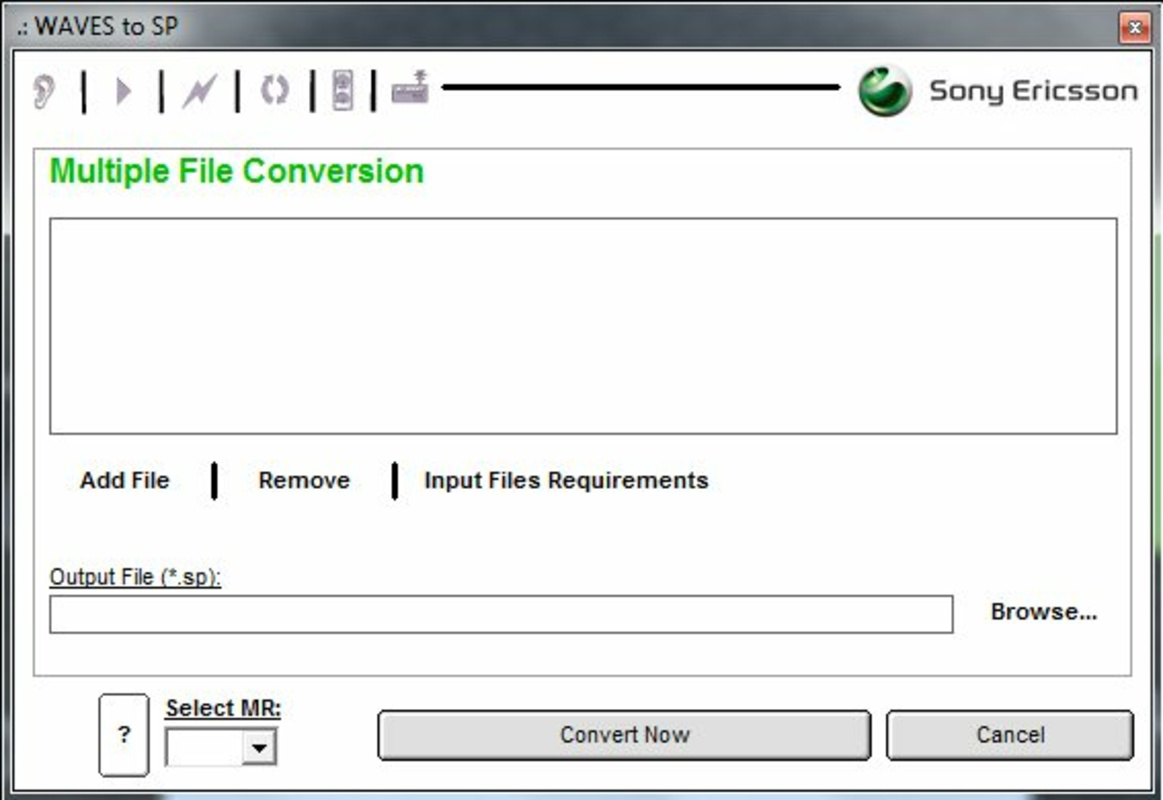
- WAVE to SP Support: Offers the ability to convert WAVE files to SP format, expanding its utility for specialized audio processing tasks.
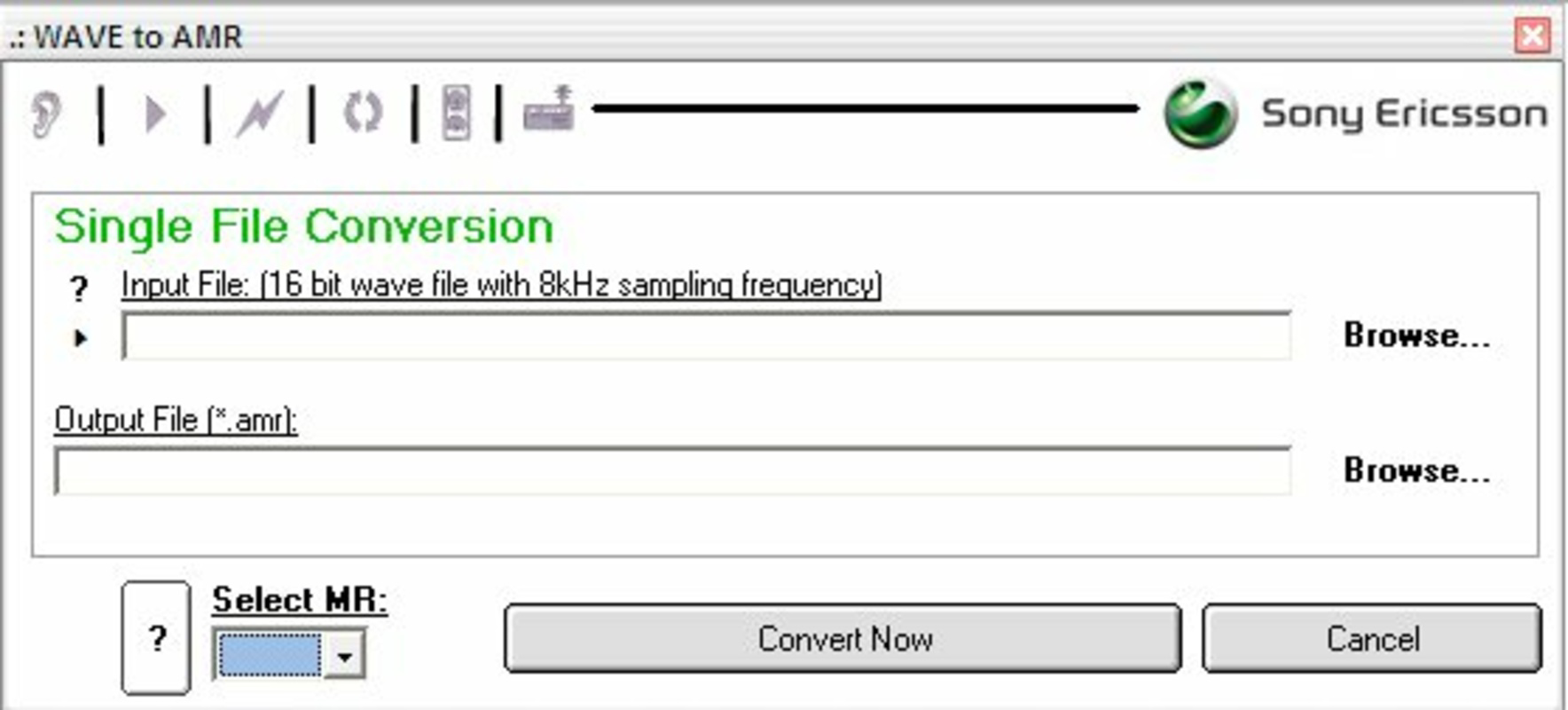
- One-Step Conversion Process: Users can select an input file and desired output format, then initiate conversion with a single command, reducing complexity.
For example, a user with a voice memo saved in AMR format on an older smartphone can use the app to convert it to MP3 for playback on a modern PC or streaming device. Similarly, a professional managing audio logs may convert WAV files to AMR to reduce file size for mobile storage. The tool’s straightforward workflow ensures that users can complete conversions quickly, without navigating complex menus or settings. Its focus on core functionality makes it ideal for users who need a reliable, no-overhead solution for audio format transitions.
Interface, UX & Performance
The user interface of Mobile AMR Converter is designed with simplicity in mind. It features a minimal layout with clearly labeled buttons and input fields, allowing users to quickly locate the file selection and conversion options. Navigation is linear and intuitive, with a focus on reducing user cognitive load. The app does not include advanced settings or customization options, which contributes to its ease of use but may limit flexibility for advanced users.
Although the developer did not list formal performance metrics, the application’s small file size of 1.2 MB suggests it is optimized for low-resource environments. It is expected to run efficiently on older Windows systems, though specific performance benchmarks were not provided. The app appears to handle file processing without noticeable lag during typical conversion tasks, based on its design and size. Responsiveness is consistent with lightweight desktop utilities, and stability is likely maintained due to the absence of complex dependencies.
Users can expect a smooth experience when converting single files, though batch processing capabilities were not mentioned. The app does not display progress bars or detailed logs, which may affect transparency during longer conversions. However, for its intended use case, the interface’s simplicity outweighs the lack of advanced feedback mechanisms. Overall, the UX prioritizes accessibility and speed, aligning with its target audience of non-technical users.
Platform Compatibility & Technical Requirements
Mobile AMR Converter is designed for the Windows operating system. The app is available in version 1.0.0.1 and has a file size of 1.2 MB. It is offered as a free tool, making it accessible to a broad audience without cost barriers. The developer did not specify minimum OS requirements, nor did they provide information about compatibility with modern Windows versions such as Windows 10 or Windows 11.
Given its release date of 2013, the app may function on older Windows systems like Windows 7 or XP. However, compatibility with newer operating systems cannot be confirmed without official documentation. Users are advised to test the application on their system to ensure proper functionality. The lack of detailed technical specifications means that installation and operation may vary across different device configurations.
Despite the absence of formal compatibility details, the app’s lightweight nature suggests it could run on a wide range of Windows-based devices, including low-end or older hardware. For users seeking a basic audio converter without the need for installation, the standalone executable format likely contributes to its portability and ease of use.
Pros and Cons
Pros
- Free to download and use, eliminating cost barriers for users.
- Small file size (1.2 MB) ensures fast download and minimal storage usage.
- Simple interface suitable for users with no technical background.
- Supports multiple audio formats, including mobile-specific AMR and SP.
- Designed for seamless audio transfer between mobile devices and PCs.
Cons
- Compatibility with modern Windows versions was not confirmed by the developer.
- No batch conversion support was mentioned in the available information.
- Limited feedback during conversion (e.g., no progress indicator).
- No updates or development activity has been reported since 2013.
- Does not support other common audio formats beyond AMR, MP3, WAV, and SP.
FAQ
Is Mobile AMR Converter safe to download and install?
The app is free and available from its official source. As with any software, users should ensure they download from a trusted location to avoid potential risks.
Can I convert multiple files at once?
Based on the available information, the app does not appear to support batch conversion. Each file must be processed individually.
Is Mobile AMR Converter compatible with Windows 10 or Windows 11?
The developer did not specify compatibility with modern Windows versions. While the app may run on newer systems, this has not been officially confirmed.
Does the app require installation?
Mobile AMR Converter is likely a portable application, given its small size and lack of installation prompts. However, specific installation requirements were not disclosed.
Are there any updates or future releases planned?
There has been no public information about updates or new releases since the app’s initial release in 2013. The current version remains unchanged.
Final Thoughts
Mobile AMR Converter remains a functional tool for users who need to convert audio files between AMR, MP3, and WAV formats, particularly in scenarios involving mobile-to-PC transfers. Its lightweight design, free access, and intuitive interface make it a practical choice for those managing legacy audio files or working with mobile-specific formats. While it lacks modern features such as batch processing and detailed feedback, its simplicity ensures reliable performance for basic conversion tasks.
Despite its age, the app continues to serve a niche but valid purpose in the audio utility landscape. Users who value straightforward functionality over advanced capabilities will find it useful. For individuals seeking a no-cost, easy-to-use solution for format conversion, Mobile AMR Converter offers a dependable option.
Download Mobile AMR Converter now


